


Engage everyone in virtual meetings & events
With Slidea, you can host webinars, town halls, or workshops that include everyone, no matter where they are.
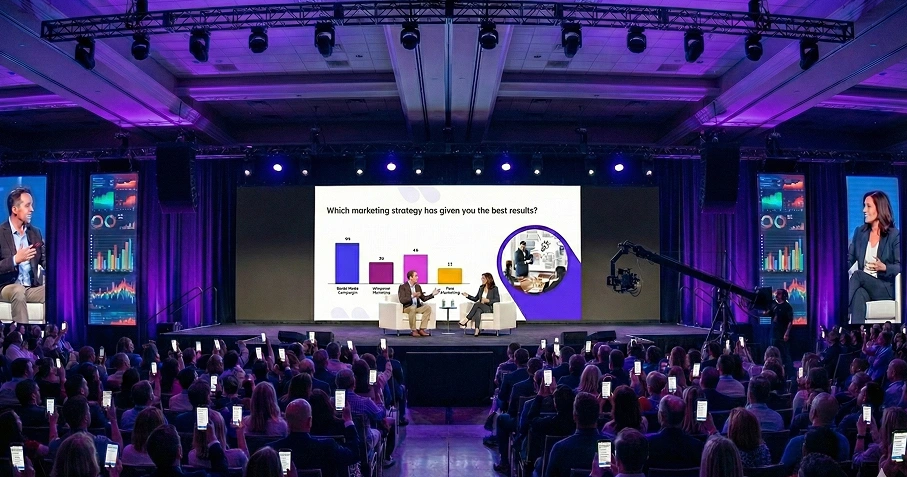
Create virtual events that truly connect
From live polls to interactive Q&A, it’s easy to keep every attendee engaged, involved, and connected.
Keep energy high even through a screen
Let participants feel heard without interrupting the flow
Avoid tech issues with simple, browser-based tools
Make Every Virtual Meeting a Two-Way Conversation

Live Polls
Spark real-time input with emoji-based polls that keep energy and focus high.

Word Clouds
Capture diverse ideas and visualize them instantly—great for quick consensus or brainstorming.

Live Q&A
Let participants submit and upvote questions, so discussions stay relevant and impactful.
Board Meetings
Facilitate clear, focused discussions with interactive agendas, live voting, and secure Q&A.
Employee Onboarding
Make onboarding fun and effective with interactive walkthroughs, quizzes, and live feedback tools.
Virtual Summits
Drive engagement at scale with dynamic sessions, audience polls, and real-time Q&A across tracks.
Brainstorming
Spark creativity with collaborative idea boards, instant input sharing, and upvoting features.
Make Virtual Participation Effortless
No apps. No signups. Just click, join, and engage wherever you are.
Compatible with PowerPoint, Zoom, and more
Just scan a QR code or click a link to join
Works on all browsers and devices
Make Your Next
Virtual Event Truly Interactive
Bring energy and clarity to your virtual meetings with tools that keep everyone engaged, everywhere.
Book a free demo
Word Cloud Icebreaker Template
Start any session on the right note with this Word Cloud icebreaker. Fully interactive and...

Virtual Meetings Presentation Templates
Explore Virtual Meetings with this ready-made, interactive template. Ready to use instantly on Slidea —...

Event Reflection Presentation Templates
This Event Reflection template gives you a ready-made, interactive starting point for your next session....
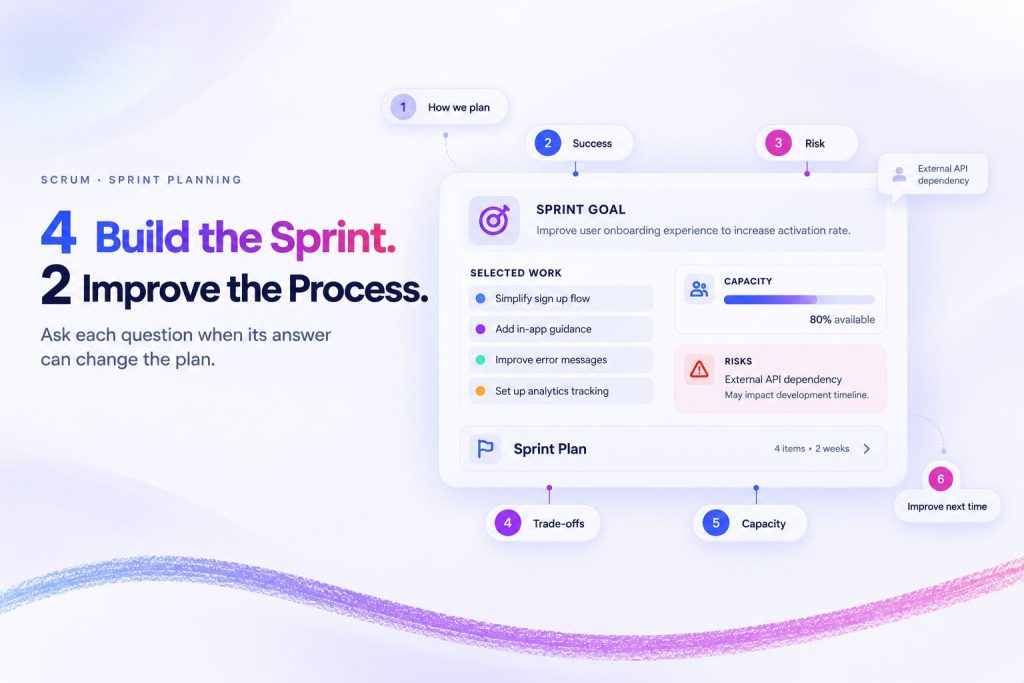
How to Use the Sprint Planning Template: 6 Questions and Exactly When to Ask Each One
Your team knows the risks. The question is whether the meeting gives them a moment...
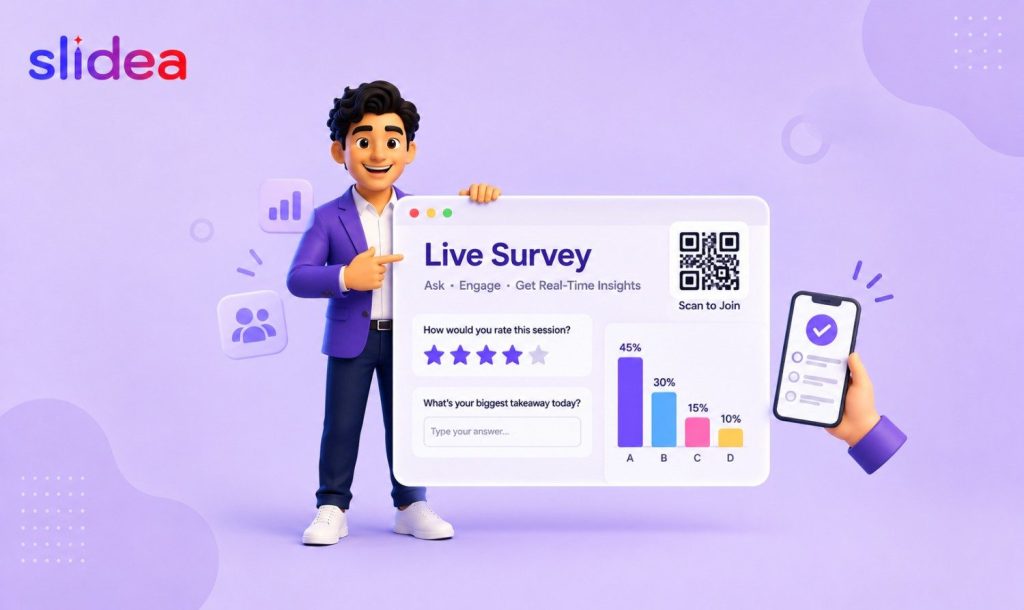
How to Create a Live Survey for Presentations & Meetings
You’ve booked the room, built the slides, and rehearsed the talk. But the moment attendees...
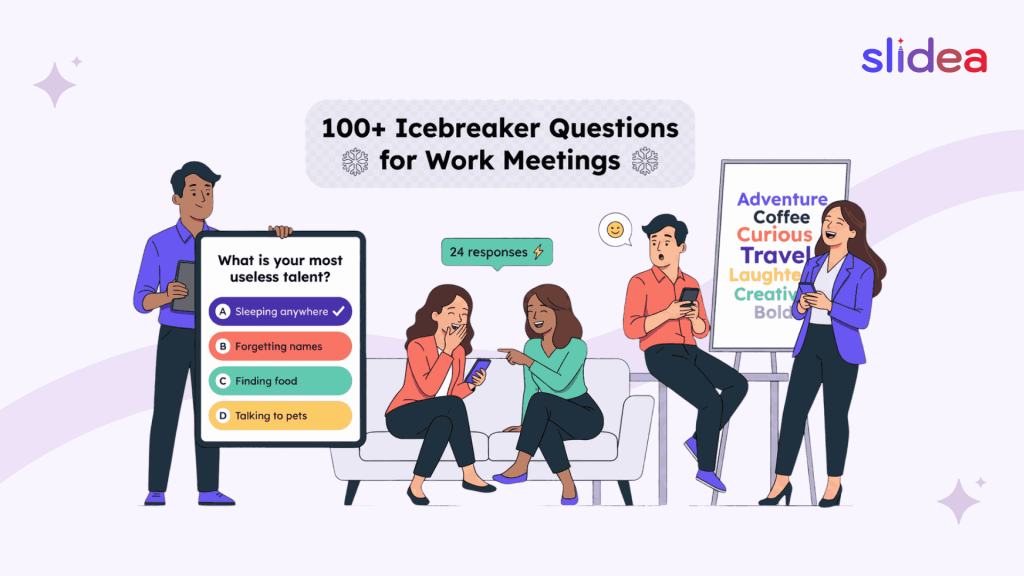
100+ Icebreaker Questions for Work Meetings (Fun & Professional)
Studies show that teams who feel genuinely connected to each other are 21% more productive...