


It is Sunday evening, you are looking at a blank slide deck, which you must be ready to present tomorrow, 8 AM. You have brilliant lesson content in your head, and to put it into an interesting presentation is like climbing Mount Everest with a blindfold on.
This is why most teachers learn the lesson too hard, making a presentation consumes more time than teaching. Hours are gone between image finding, layout design, and making everything look pro. In the meantime, the attention span of students is getting shorter each year, and the use of static slides cannot provide the interactive and engaging content that it requires.
This equation is altered by AI presentation makers. They create professional slides within minutes, propose designs automatically and add interactivity features that convert passive audience to active participants. These will not ocreators specifically among teachers. Available features, pricing, and the value each tool will offer classrooms, online classes, and hybrid learning platforms is where we are going to compare them. Regardless of the teaching level (kindergarten or college), face-to-face or onlinenly save time, but better learning will be developed.
This blog dissects the 10 best AI presentation makers which will change the way you create and deliver content.
1. Slidea - Best Overall for Interactive Education
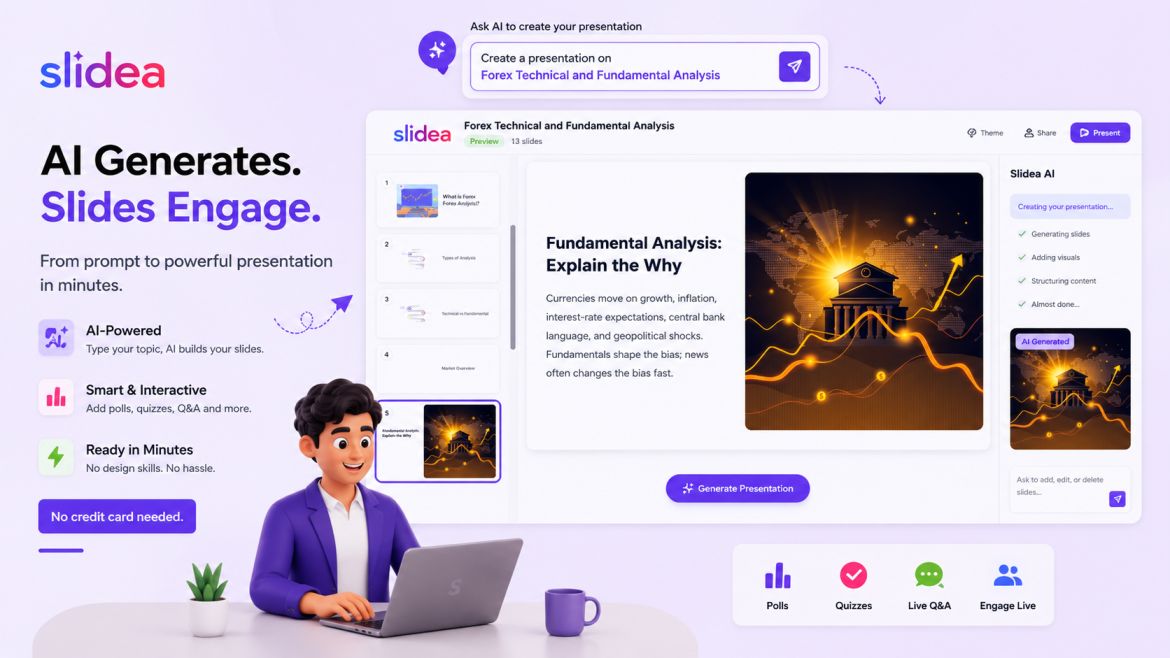
Why it tops the list: Slidea is the perfect combination of AI-powered generation of slides with the powerful interactive tools that are designed for education.
Key Features for Educators
AI Slide Generation: Explain what you are going to teach and Slidea has an AI that generates a presentation structure in a few seconds. The AI is used to create slides of all important ideas, propose visuals, and make the contents logically ordered. You build up on what you have instead of having to build up.
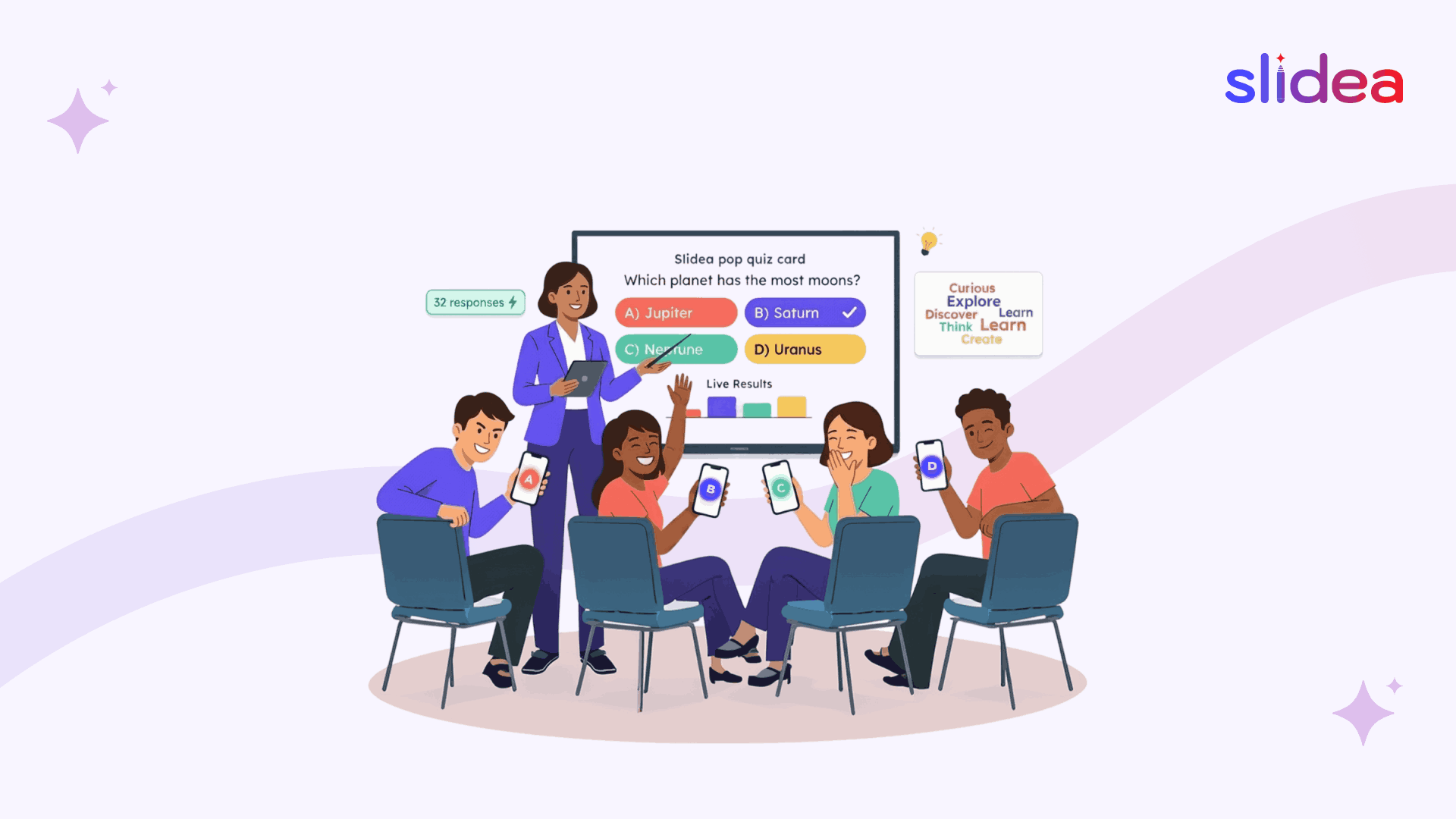
Built-in Interactive Tools: Slidea has live polls, quizzes, word clouds and Q&A features, unlike presentation makers which merely create slides. Check student understanding in real-time without switching platforms. A question is asked, the students answer their devices and the results appear instantly.
Pricing: Free tier available. Paid plans start at $4/month for educators.
Best for: Teachers who want complete presentation solutions, creation plus student engagement, in one platform designed specifically for educational settings.
2. Beautiful.ai - Best for Design-Focused Teachers
Beautiful.ai is a design system that automatically uses AI to propose layouts on the basis of content. Add photos or text and the site does the rest in a professional manner. Excellent in cases where teachers require spectacular images without having to design it.
Pros: Gorgeous templates, smart formatting, collaborative features
Cons: Limited interactive features, no built-in quizzes or polls
3. Gamma - Best for Quick Creation
Gamma generates presentations from text prompts quickly. Type your lesson outline, and AI creates slides with relevant content and images. Excellent for rapid lesson planning.
Pros: Very fast generation, clean interface, web-based
Cons: Less customization control, basic interactive options
4. Canva with Magic Design - Best for Creative Subjects
Canva Magic Design is an AI-based product that proposes layouts and designs. Although it is not education focused, the huge template library and design tools are useful to creative teachers.
Pros: Huge asset library, versatile, familiar interface
Cons: Not built for interactive learning, requires design knowledge
5. Tome - Best for Storytelling Lessons
Tome uses AI to develop narrative-based presentations. Perfect in literature, history or any other topic where narrating is the best way to learn.
Pros: Narrative flow, multimedia integration, AI writing assistance
Cons: Limited education-specific features, learning curve
6. Simplified - Best for Social Media Integration
Simplified is a combination of AI presentation and social media. Applicable to those teachers who produce content in the school accounts or digital literacy classes.
Pros: Multi-purpose platform, extensive templates, collaboration
Cons: Overwhelming features for simple needs, not education-focused
7. Presentations.AI - Best for Business Teachers
Presentations.AI creates company-themed presentations in a short amount of time. Perfect in business training, career development or training.
Pros: Professional templates, brand consistency tools, fast generation
Cons: Less suitable for K-12, minimal interactive features
8. SlidesAI - Best Google Slides Add-On
SlidesAI is an extension to Google Slides, which creates slides based on text in the Google context. Best matches teachers who are already committed to Google Workspace.
Pros: Works within Google Slides, simple integration, affordable
Cons: Limited to Google ecosystem, basic features
9. Decktopus - Best for Data-Heavy Subjects
Decktopus AI is very good at generating presentations that consist of charts, graphs and data visualization. Good in math, science, economics or any information based discipline.
Pros: Strong data visualization, form integration, analytics
Cons: Steeper learning curve, less interactive engagement
10. Pitch - Best for Collaborative Teaching
Pitch is concerned with cooperation within a team and support of the AI. Very good in co-teaching or departments developing a common curriculum.
Pros: Real-time collaboration, smart templates, presentation mode
Cons: Primarily business-focused, expensive for individual teachers
Final Thoughts
The use of AI presentation tools is not an option anymore; it is a necessity. They can assist teachers to spend less time on the creation of slides and more time on teaching, explaining, and connecting with students.
Slidea is a powerful platform that integrates AI, interaction, and simplicity, and is thus the best tool among them. In case you want more active lessons, clearer lessons, and cheerful students, Slidea is a good place to begin with.
FAQs
Q1. What is an AI presentation maker?
An AI presentation maker uses artificial intelligence to create slide content, layouts, and visuals automatically based on a topic or prompt.
Q2. Why should educators use interactive presentation software?
It boosts audience engagement, encourages participation, and improves learning outcomes through quizzes, polls, and live feedback.
Q3. Is Slidea suitable for virtual classrooms?
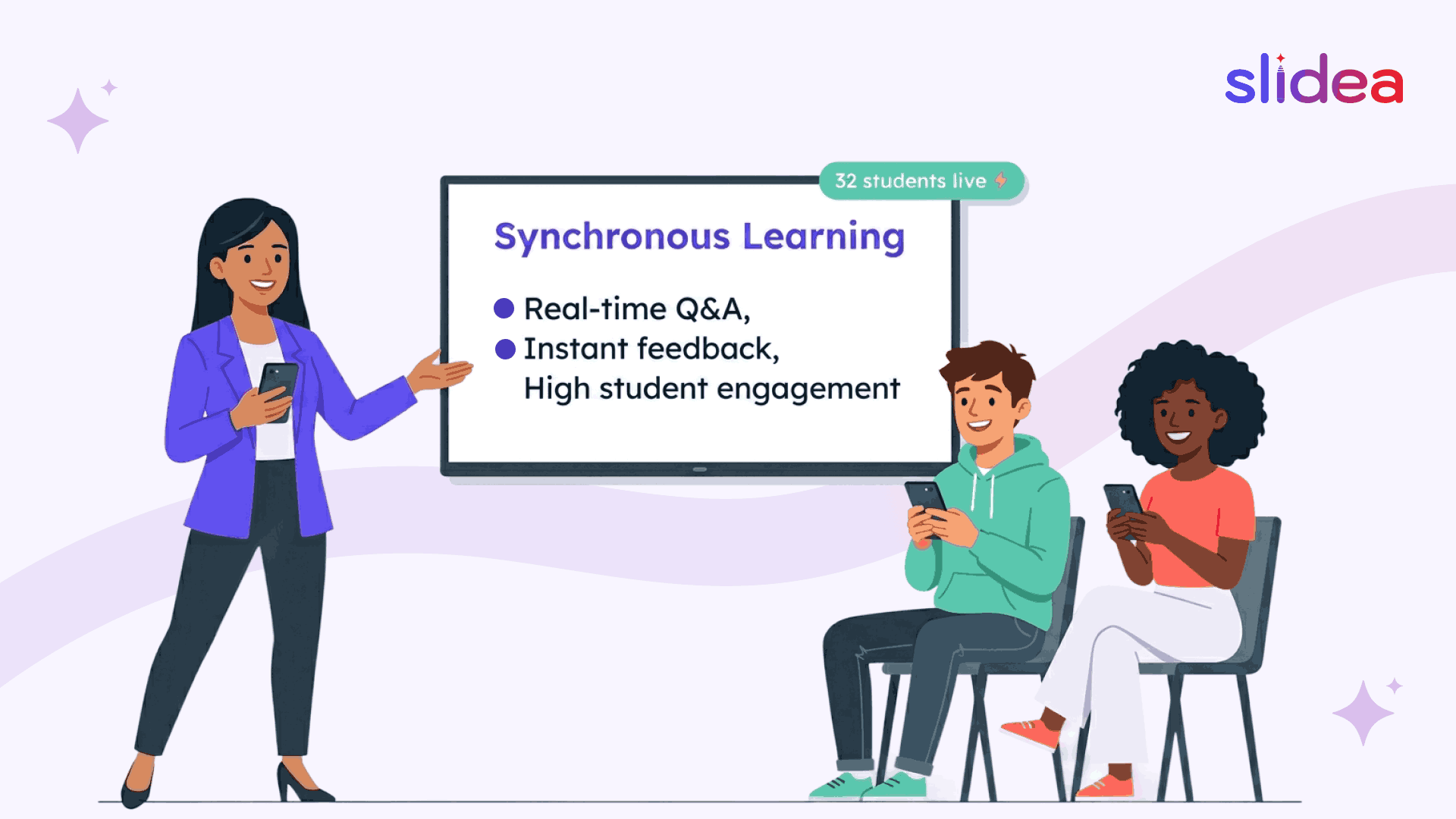
Yes. Slidea works perfectly for virtual meetings, online classes, and hybrid events.
Q4. Can students join Slidea without installing an app?
Yes. Students can join instantly using a link or QR code or number code, no app or login required.
Q5. Are AI presentation tools safe for kids?
When used responsibly, yes. Tools like Slidea offer moderation and teacher control features to ensure safe learning environments.





Your email address will not be published. Required fields are marked *