






11 Interactive Presentation Tools Worth Trying in 2026
Interactive presentation tools now overlap heavily on the basics: polls, quizzes, word clouds, Q&A, surveys,…
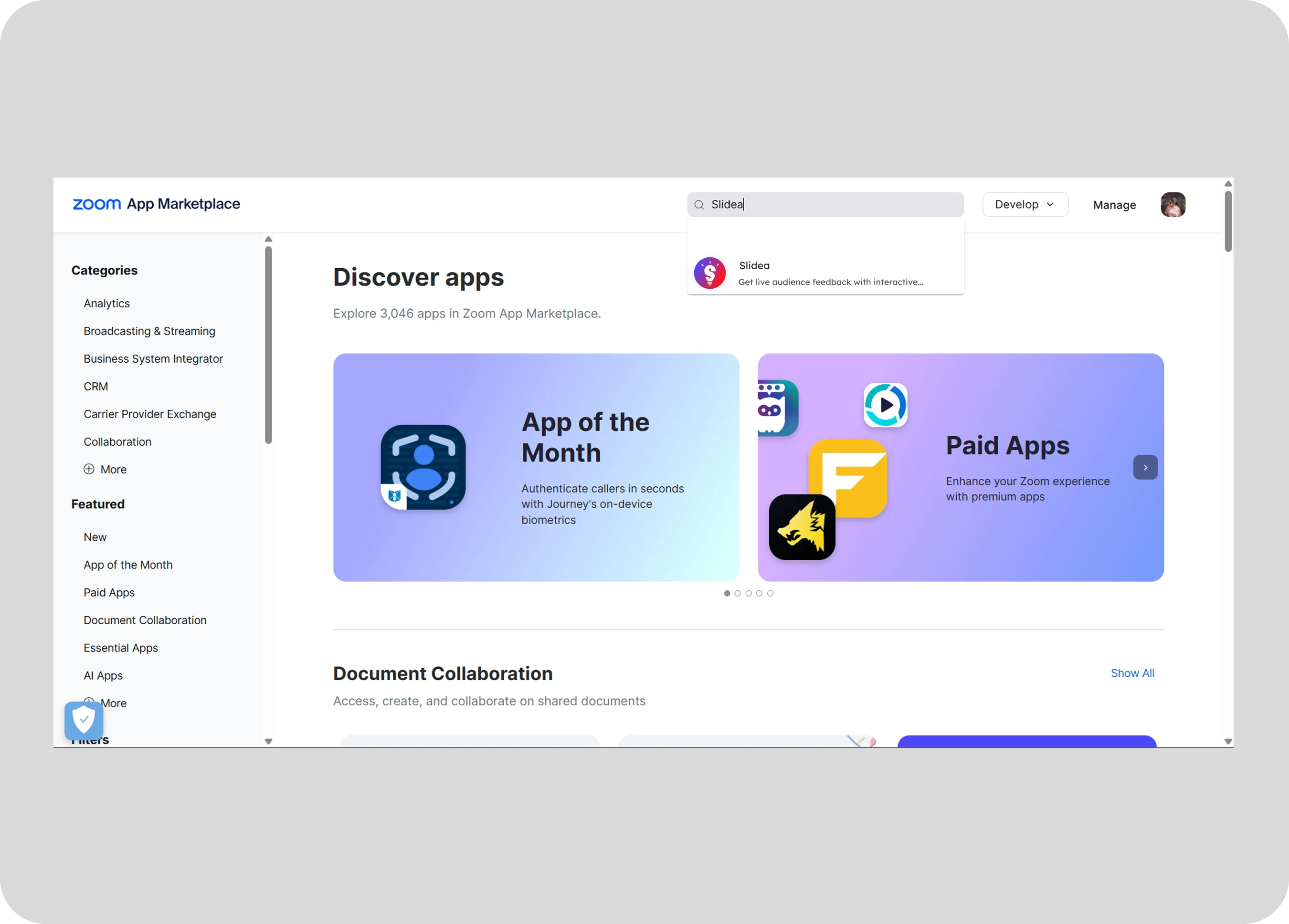
Tip: Google may show results for “Slides” instead of “Slidea”.
Ask your audience to search “Slidea App”.
Add live polls, quizzes, word clouds, and more interactive features in Zoom meetings.
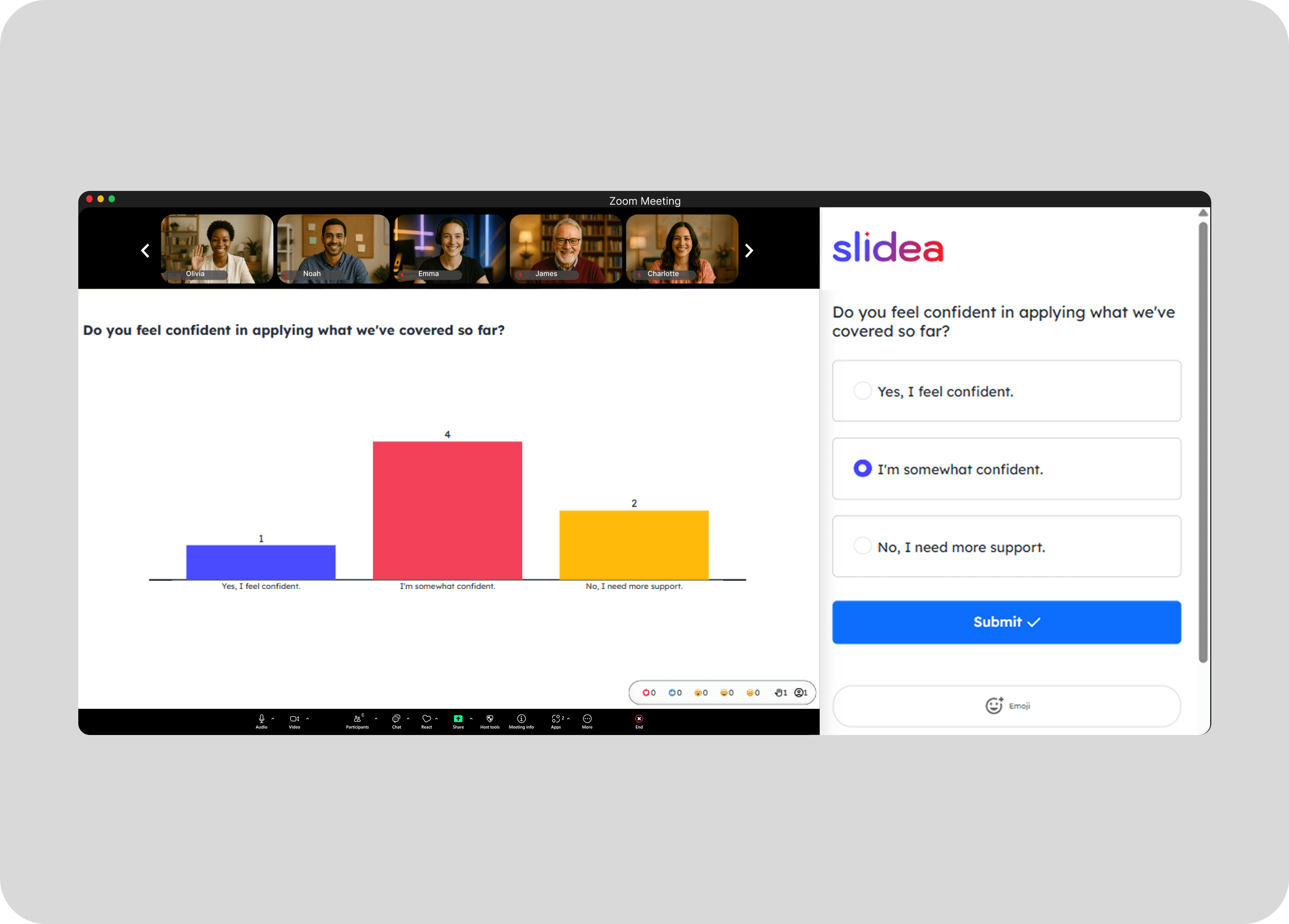
Use quick polls and scales to instantly see if your Zoom group is aligned and engaged.
Get Slidea for Zoom
Choose the presentation you want to share.
Click the Present button to start sharing your presentation. Participants can join and follow along at their own pace.
Let your Zoom audience ask anonymous questions anytime and keep the conversation lively.
Use quick polls and scales to instantly see if your Zoom group is aligned and engaged.
Check understanding live, run knowledge checks, and keep training interactive
Just share a quick feedback slide and collect honest insights from your Zoom session
Interactive presentation tools now overlap heavily on the basics: polls, quizzes, word clouds, Q&A, surveys,…
Quizizz is now called Wayground, but many teachers, trainers, and presenters still search for “Quizizz…
The right data presentation method depends on the question your audience needs to answer. Use…
Find answers to common questions about using Slidea inside Zoom. Learn how our interactive tools help you make every Zoom session more dynamic and collaborative.
Contact us